

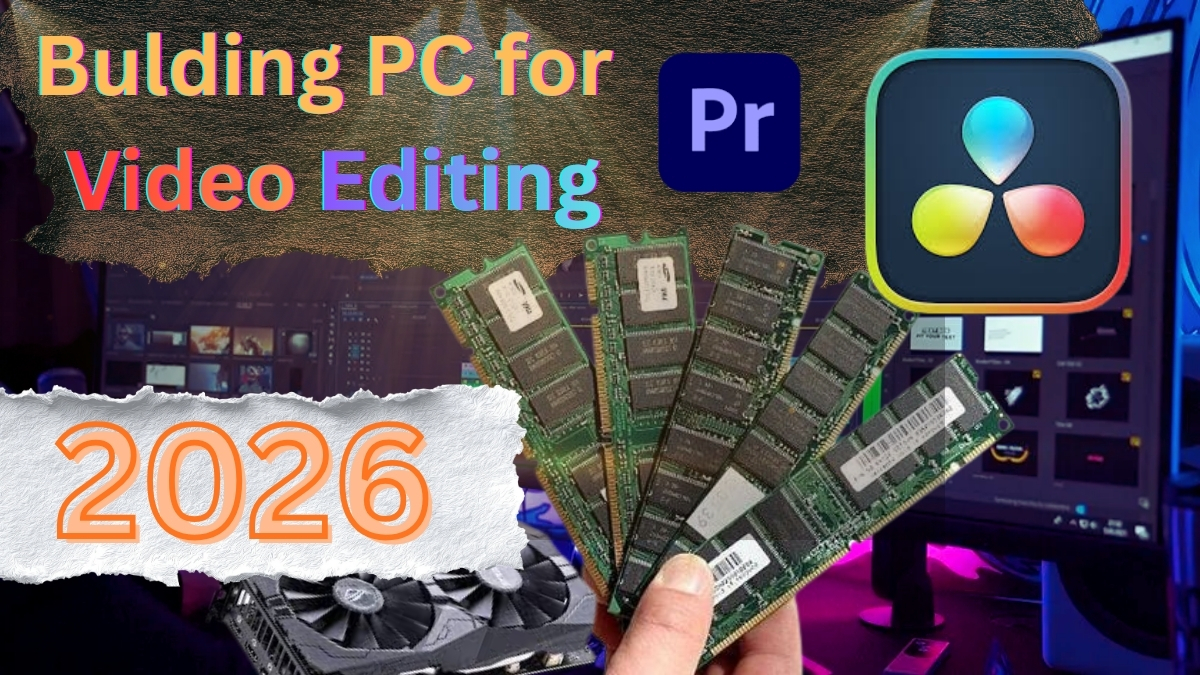
Building a PC for video editing in 2026 isn’t about chasing trends or guessing what might work. The best PC specs for video editing are already known, argued over, tested, and quietly settled by people who edit for a living and don’t have time to romanticise hardware. If you’re serious about a video editing PC build, the reality is blunt: the wrong choices slow you down every single day, and the right ones disappear into the background, which is exactly what professional PC specs for video editing are supposed to do.
The CPU question is already settled
People still act like choosing a CPU for video editing is some kind of philosophical exercise. It isn’t. Current-generation, high-core CPUs win. Intel Core i9 14th generation or AMD Ryzen 9 Zen 5. That’s the tier. Anything older might run Premiere Pro, DaVinci Resolve, or After Effects, sure, but running isn’t the job. Scrubbing dense 4K timelines, exporting without babysitting, stacking effects without consequences — that’s the job. CPU headroom isn’t flexing. It’s damage control for modern video editing workflows.
RAM stops being theoretical very quickly
Sixteen gigabytes is denial. Thirty-two is survival. Sixty-four is where the video editing PC stops judging you. DDR5, matched sticks, respectable speeds. This isn’t about chasing benchmark charts; it’s about avoiding that subtle lag where playback hesitates just enough to knock you out of rhythm. People argue about RAM online because RAM is expensive and arguing is free. That’s the whole story.
Storage determines whether the system feels real
Fast NVMe storage for the operating system and cache. Another fast drive for active media. Not one drive doing everything. Not “I’ll upgrade later.” Editing video on slow or crowded storage feels like pulling footage through wet cement. You can do it, but you’ll resent the work for reasons you won’t immediately identify. And backups aren’t optional. SSDs fail quietly, usually right after you relax and think you’re safe.
The GPU hype versus the GPU reality
Yes, the GPU matters for video editing. No, the biggest graphics card isn’t automatically the best choice. RTX 4070 is the floor. RTX 4080 is comfortable. RTX 4090 is brute force. VRAM matters more than raw benchmark scores. Driver stability matters more than both. A powerful GPU that crashes is worse than a slower one that doesn’t. This is where spec sheets stop being useful and experience takes over.
Heat ruins performance without announcing itself
Modern CPUs run hot. When cooling is inadequate, performance doesn’t collapse dramatically — it erodes. Exports stretch longer. Timeline playback gets less confident. You start blaming software updates, codecs, bad luck. It’s none of that. It’s heat. Proper cooling and airflow aren’t upgrades for a video editing PC; they’re prerequisites.
Power supplies only matter when they fail
A bad power supply creates problems that feel personal. Random crashes. Corrupt renders. Errors that disappear the moment you try to explain them. This is not where you save money. Ever. A reliable, over-spec’d PSU keeps everything else honest and invisible, which is exactly what you want in a professional editing machine.
Your monitor teaches you how to edit
If your monitor lies, your instincts adapt to the lie. You’ll overcorrect color, crush shadows, blow highlights, and never quite understand why your videos look wrong everywhere else. You don’t need perfection. You need accuracy. A color-accurate display for video editing isn’t optional if you care about consistent results. Anything less trains bad habits that take years to undo.
Cases and expansion reveal experience
Cheap cases waste time. Tight motherboards limit you later. Editing software grows heavier. Video files get larger. What feels generous today will feel cramped sooner than you expect. This isn’t pessimism. It’s pattern recognition from watching the same PC build mistakes repeat themselves.
Building a PC for video editing isn’t an adventure or a puzzle. It’s preventative work. You’re removing friction from future projects you haven’t started yet. If the machine disappears while you’re editing — no stutters, no drama, no surprises — you built it correctly. If you’re constantly aware of it, you didn’t.
